

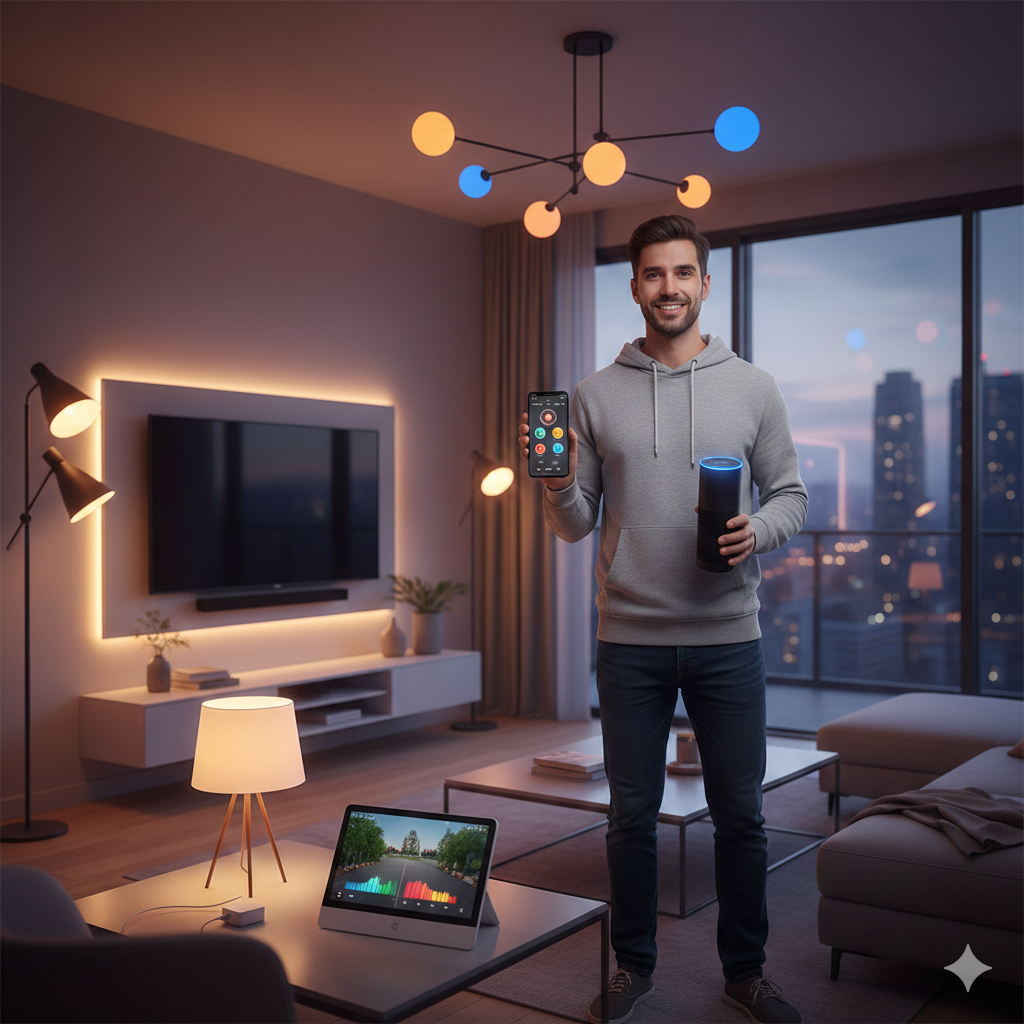
In today’s fast-evolving world, technology is seamlessly integrating into every aspect of our lives, and our homes are no exception. Transforming your living space into a smart home might seem like a daunting task, but with a weekend dedicated to it, you can future-proof your home with smart lighting and voice-controlled devices. This guide will walk you through the process, making it easy and enjoyable.
Why Go Smart? The Benefits of a Connected Home
Before we dive into the “how,” let’s explore the “why.” Smart homes offer a plethora of benefits that enhance comfort, convenience, security, and energy efficiency.
- Convenience at Your Fingertips (or Voice!): Imagine controlling all your lights, setting the perfect ambiance, or even starting your coffee maker with a simple voice command or a tap on your smartphone.
- Energy Savings: Smart lighting systems allow you to dim lights, set schedules, and even turn off lights automatically when a room is empty, leading to significant energy savings.
- Enhanced Security: Integrate smart lighting with motion sensors or security cameras to deter intruders, making your home safer.
- Personalization: Create custom lighting scenes for different moods or activities, from movie nights to dinner parties.
- Increased Home Value: Smart home features are becoming increasingly desirable, potentially boosting your property’s resale value.
Getting Started: Planning Your Smart Home Ecosystem
The first step to a successful smart home transformation is planning. Consider what you want to achieve and what devices will best suit your needs.
- Choose Your Voice Assistant: The two most popular choices are Amazon Alexa and Google Assistant. Both offer a wide range of compatible devices and features. Your choice will influence the smart devices you purchase.
- Identify Your Needs: Do you want to control all your lights, just a few key areas, or integrate other devices like thermostats or security cameras?
- Budgeting: Smart home devices come in various price ranges. Determine your budget and prioritize which features are most important to you.
- Compatibility Check: Ensure all the devices you plan to purchase are compatible with your chosen voice assistant and, if applicable, with each other.
Essential Smart Home Devices for Your Weekend Project
Here’s a breakdown of the core devices you’ll need for smart lighting and voice control.
- Smart Light Bulbs: These are the easiest way to start. They screw into existing fixtures and connect to your home Wi-Fi.
- Smart Light Switches/Dimmers: For a more integrated approach, especially in areas with multiple lights controlled by one switch.
- Smart Plugs: Turn any “dumb” appliance into a smart one, allowing you to control lamps, coffee makers, or fans with your voice or app.
- Smart Speaker/Display: This is your central hub for voice control. Examples include Amazon Echo devices or Google Nest devices.
- Optional: Smart Hub: Some advanced setups might benefit from a dedicated smart home hub (like Samsung SmartThings) to manage a larger ecosystem of devices, especially those using different communication protocols (e.g., Zigbee, Z-Wave).

Day 1: Installation and Initial Setup
Let’s get started with the hands-on part!
Step 1: Install Your Smart Light Bulbs
- Safety First: Ensure the power to the light fixture is off at the circuit breaker before changing any bulbs.
- Screw Them In: Simply replace your existing bulbs with the new smart bulbs.
- Power On: Turn the power back on. The bulbs should flash, indicating they’re in pairing mode.
- Connect to App: Open the manufacturer’s app (e.g., Philips Hue, GE Cync) or your chosen voice assistant’s app (Alexa app, Google Home app) and follow the on-screen instructions to discover and add the new bulbs to your network.
Step 2: Install Smart Light Switches/Dimmers (If Applicable)
- Crucial Safety: ALWAYS turn off the power at the circuit breaker before working with electrical wiring. If you’re uncomfortable with electrical work, consider hiring a qualified electrician.
- Remove Old Switch: Carefully unscrew and remove your existing light switch from the wall box. Take a picture of the wiring for reference.
- Wire New Switch: Connect the wires from your wall box to the new smart switch according to the manufacturer’s instructions. This usually involves connecting the line, load, neutral (often required for smart switches), and ground wires.
- Secure and Test: Mount the new smart switch, restore power, and follow the app’s instructions to connect it to your Wi-Fi and voice assistant.
Step 3: Set Up Your Smart Speaker
- Plug It In: Connect your Amazon Echo or Google Nest device to a power outlet.
- Download App: Download the Amazon Alexa app or Google Home app on your smartphone.
- Follow Prompts: The app will guide you through connecting the speaker to your Wi-Fi network and linking it to your Amazon or Google account.
- Discover Devices: Once set up, use the app to discover the smart lights you just installed. This will allow you to control them with your voice.
Step 4: Integrate Smart Plugs
- Plug It In: Insert the smart plug into a wall outlet.
- Plug in Appliance: Connect a lamp, fan, or any other appliance into the smart plug.
- Connect to App: Use the smart plug’s dedicated app or your voice assistant’s app to connect it to your Wi-Fi network and then your voice assistant.
- Name It: Give the plug a clear, easy-to-remember name (e.g., “Living Room Lamp,” “Coffee Maker”).
Day 2: Personalization and Automation
With all your devices installed, it’s time to make your smart home truly yours.
Step 1: Create Rooms and Groups
- Organize in App: In your Alexa or Google Home app, create “rooms” (e.g., “Living Room,” “Kitchen,” “Bedroom”) and assign your smart devices to the appropriate rooms.
- Group Lights: Group multiple lights together (e.g., all living room lights) so you can control them as one. This makes commands like “Alexa, turn on the living room lights” possible.
Step 2: Set Up Routines and Schedules
This is where the real magic happens!
- Morning Routine: “Alexa, good morning” could turn on bedroom lights to 50% brightness, start the coffee maker (via a smart plug), and play your favorite news briefing.
- Evening Routine: “Hey Google, good night” could turn off all the lights, lock smart doors (if you expand your system), and set the thermostat.
- Away Mode: Automatically turn lights on and off at random intervals when you’re away to make it appear as though someone is home, enhancing security.
- Scheduled Lighting: Have your outdoor lights turn on at sunset and off at sunrise.
Step 3: Explore Advanced Features
- Motion Sensors: Integrate smart lighting with motion sensors so lights turn on automatically when you enter a room and off when you leave.
- Color Control: If you have RGB smart bulbs, experiment with different colors to create unique ambiances for parties, movie nights, or relaxation.
- Integrate with Other Devices: As you expand, consider connecting smart lighting with smart thermostats, security cameras, or even smart blinds for a fully integrated experience.
Troubleshooting Common Issues
- Wi-Fi Connectivity: Ensure your Wi-Fi signal is strong where your smart devices are located. Consider a Wi-Fi extender if needed.
- Device Not Responding: Try unplugging and replugging the device, then re-pair it with the app.
- Voice Assistant Misunderstanding: Try rephrasing your commands or checking if the device name is clear and unique.
- App Updates: Regularly update your smart device apps and voice assistant apps for the best performance and latest features.
The Future is Now: Expanding Your Smart Home
Once you’ve mastered smart lighting and voice control, the possibilities for expanding your smart home are endless. Consider adding:
- Smart Thermostats: For intelligent climate control and energy savings.
- Smart Security Cameras and Doorbells: For enhanced home security and peace of mind.
- Smart Locks: Keyless entry and remote access control.
- Smart Blinds/Curtains: Automate window coverings for privacy and light control.
- Smart Appliances: Refrigerators, ovens, and washing machines that can be controlled remotely.
By dedicating a weekend to installing smart lighting and voice-controlled devices, you’re not just upgrading your home; you’re stepping into the future of comfortable, convenient, and efficient living. Enjoy your new, intelligent home!